
Download NoteCard – Minimalistic Text Editor, No Installation, Lightweight, Multi-Tab Note-Taking
Overview
NoteCard is a minimalistic text editor designed for users seeking a lightweight, no-frills solution for quick and efficient note-taking. Built with simplicity in mind, the app operates without requiring installation, enabling immediate access from any compatible device. This makes it particularly useful for individuals who need to jot down ideas, reminders, or short texts on the go without the overhead of setup or storage. The app is ideal for users prioritizing speed, accessibility, and low system resource usage over advanced formatting tools.
Target users include students, professionals, and casual users who value efficiency and distraction-free writing. It serves as a practical alternative to traditional digital notepads, especially in environments where performance and portability are key. The absence of complex features ensures that the focus remains on content creation, making it suitable for brainstorming, task lists, or capturing fleeting thoughts.
Although the developer did not provide additional technical details or background information, the app’s long-standing presence since its release on December 3, 2009, suggests a proven track record of reliability and minimal maintenance. Its continued relevance underscores its effectiveness as a utility tool in the mobile ecosystem, particularly for users who prefer functional simplicity over feature bloat.
Key Features & Functionality
- No Installation Required: NoteCard runs directly from any compatible device without the need for installation. This feature enhances accessibility, allowing users to start writing immediately, even on shared or restricted devices.
- Lightweight Performance: Engineered for minimal resource consumption, the app operates smoothly on older or low-spec devices. It ensures fast loading times and consistent responsiveness, even under constrained system conditions.
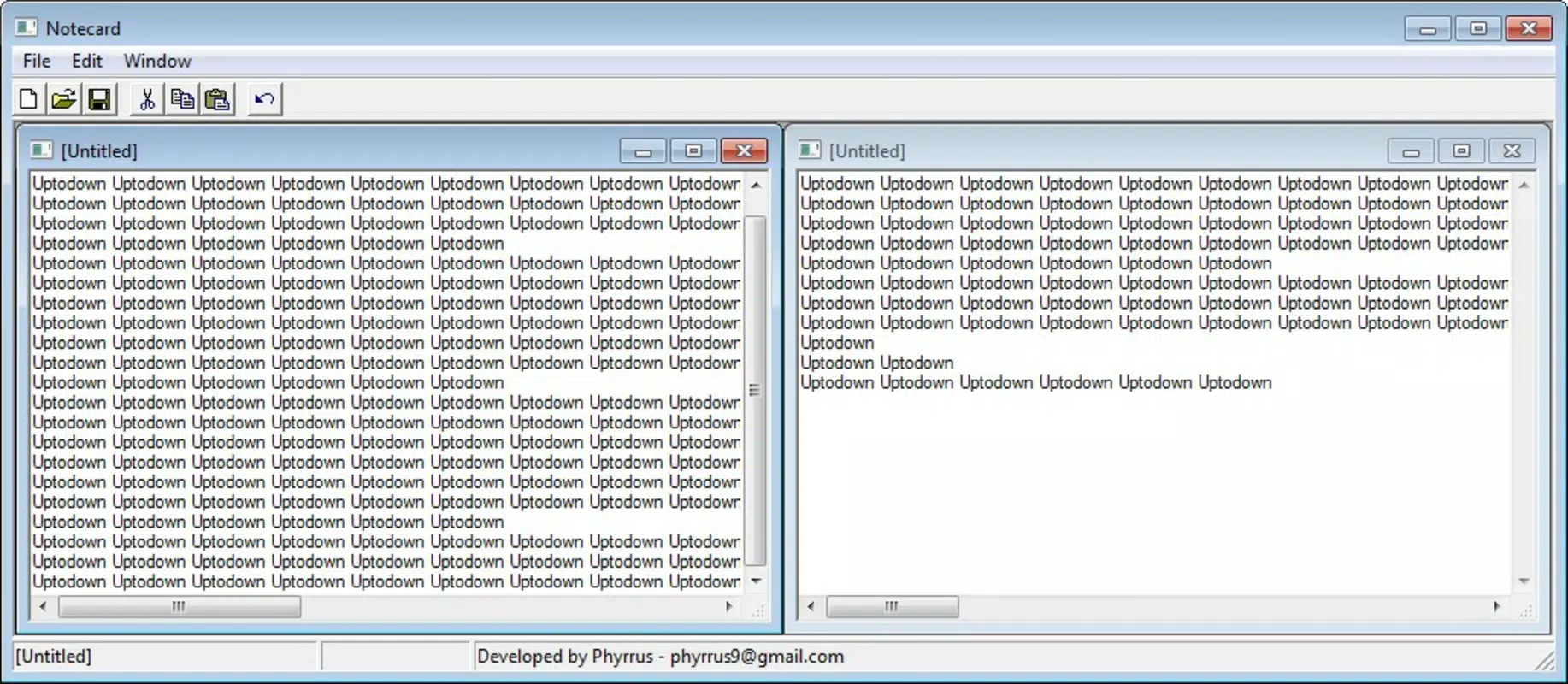
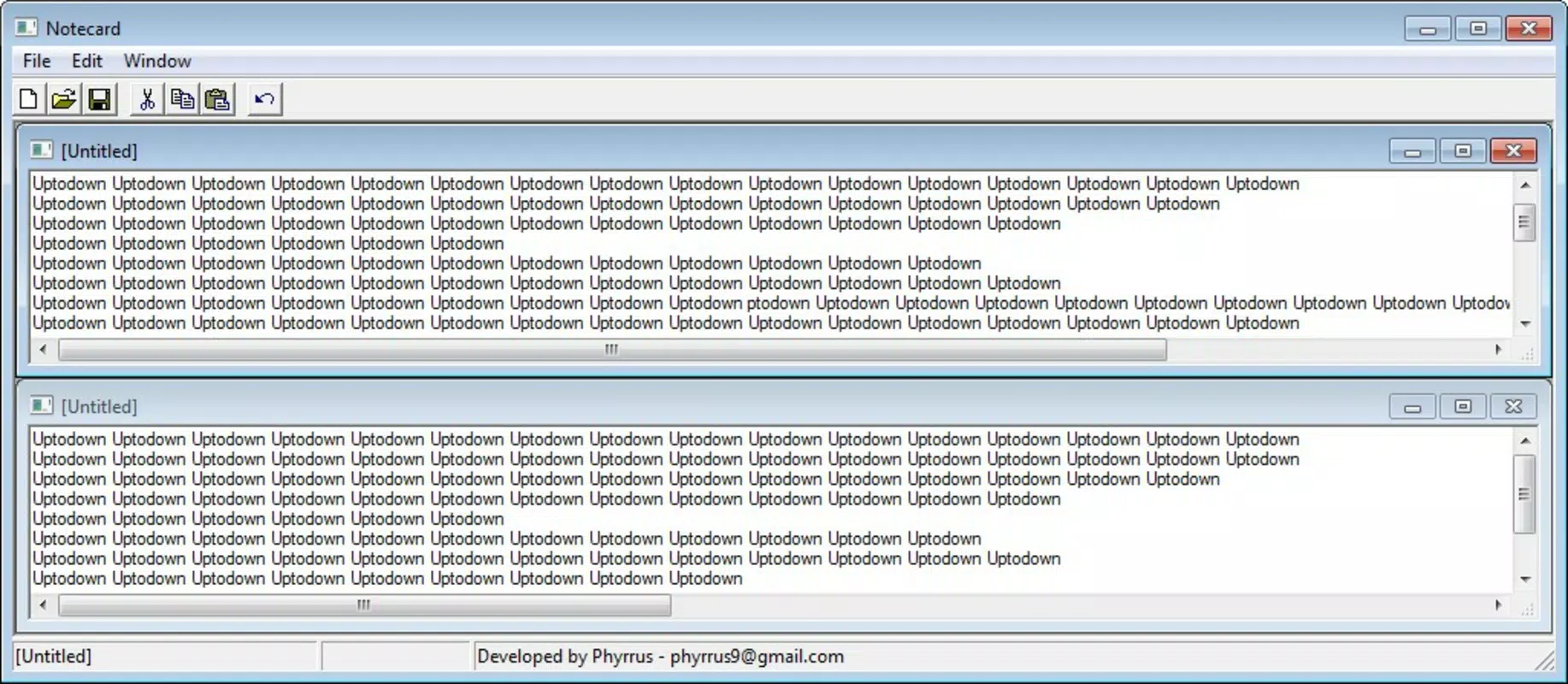
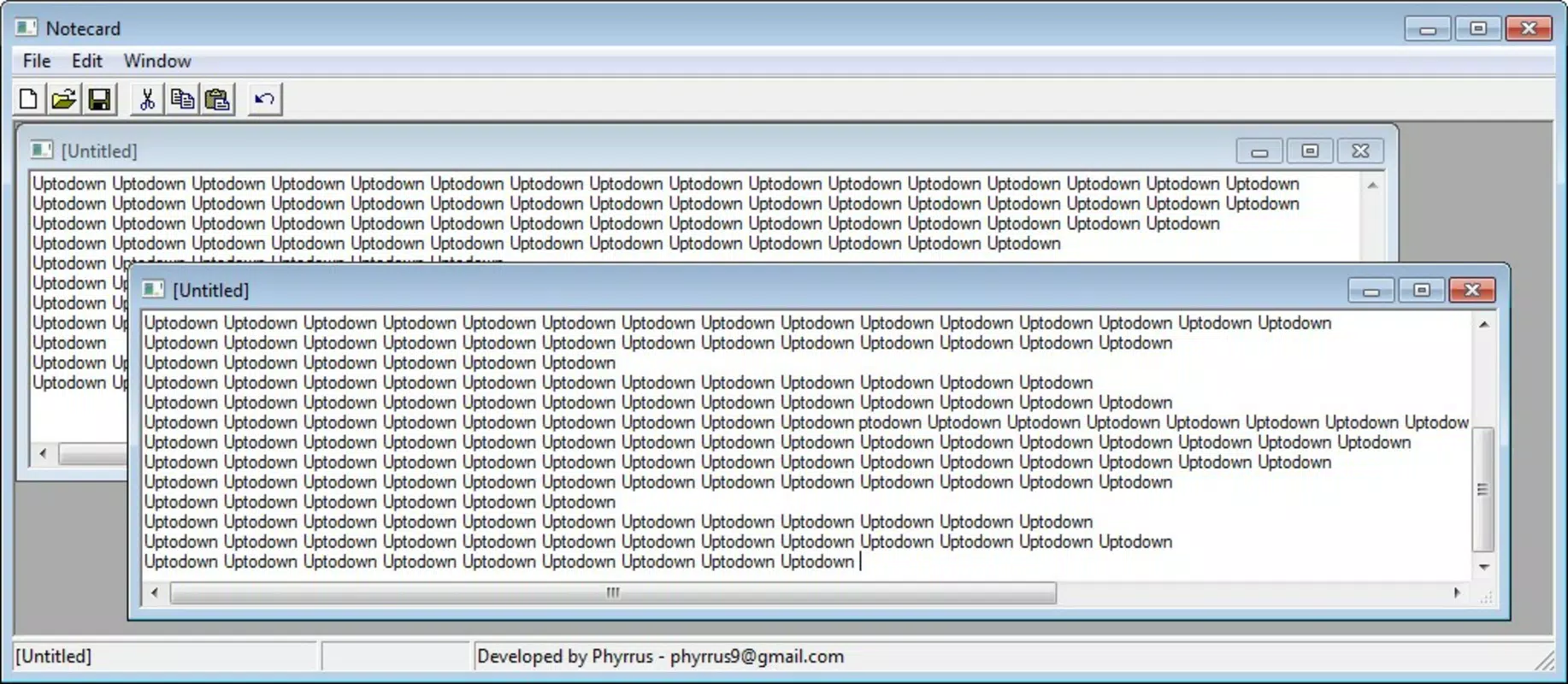
- Multi-Tab Management: The app supports multiple open notes through a tab-based interface, enabling users to switch between different entries seamlessly. This feature improves multitasking and organization without increasing complexity.
- Simplicity and Ease of Use: With a clean, intuitive interface, NoteCard requires little to no learning curve. Even users unfamiliar with digital note-taking can navigate and use it effectively within seconds.
- Focus on Core Functionality: By omitting advanced formatting options such as font changes, bolding, or italics, the app maintains a distraction-free environment. This design philosophy supports uninterrupted writing and content prioritization.
For example, a student might use NoteCard during a lecture to capture key points across multiple topics using separate tabs, switching between them without losing context. Similarly, a professional could use it to draft quick memos or meeting notes while traveling, relying on its instant access and low battery drain.
Interface, UX & Performance
NoteCard features a clean, uncluttered interface that emphasizes functionality over visual flair. The layout is designed for efficiency, with a central text input area and a tab bar for managing multiple notes. Navigation is straightforward, relying on intuitive tab switching and basic on-screen controls.
Visual style is minimal, focusing on readability and usability. The absence of animations or complex transitions contributes to the app’s lightweight nature and fast response times. Users can expect smooth interaction across different device categories, including older smartphones and tablets, due to its low system requirements.
Although the developer did not list formal performance metrics, the app’s design principles suggest strong responsiveness and stability. The lack of resource-intensive features implies consistent performance even when multiple tabs are open. Users should experience minimal lag or crashes, especially on devices with limited processing power or memory.
Platform Compatibility & Technical Requirements
NoteCard is available for Android and iOS platforms, making it accessible to a wide range of smartphone users. The app is designed to function on devices with varying hardware specifications, though specific OS versions and minimum requirements were not listed by the developer.
The file size of the application is compact, aligning with its lightweight nature. This small footprint allows for quick downloads and minimal storage usage, which is beneficial for users with limited device space. However, compatibility information was not fully disclosed, so users should verify device support before attempting installation.
Pros and Cons
Pros
- No installation required — start using immediately on any compatible device
- Extremely lightweight with low resource consumption
- Multi-tab functionality for managing multiple notes efficiently
- Simple, intuitive interface suitable for all user levels
- Focuses on content without distractions from formatting options
Cons
- Limited to basic text input with no support for font or style customization
- Specific technical requirements and OS compatibility were not disclosed
- Lacks advanced features such as cloud sync or export options
- May not suit users needing rich text editing or document organization
- Developer did not provide updates or support details
FAQ
Is NoteCard safe to download and use?
Yes, NoteCard is designed as a lightweight utility tool with no known security risks. Its minimal functionality and lack of permissions reduce potential vulnerabilities. However, users should always download from trusted sources to ensure authenticity.
Can I use NoteCard without installing it on my device?
Yes, one of the app’s defining features is that it operates without installation. This allows users to access and use it directly from compatible devices.
Does NoteCard support text formatting like bold or italics?
No, NoteCard does not include formatting options such as changing font styles, sizes, or applying bold or italic text. The design prioritizes simplicity and distraction-free writing.
Is NoteCard compatible with both Android and iOS?
Yes, NoteCard is available on both Android and iOS platforms. However, specific OS version requirements were not provided by the developer.
Can I save or export my notes from NoteCard?
The developer did not disclose information about note saving or export functionality. Users should assume that notes may not persist after closing the app unless additional mechanisms are in place.
Final Thoughts
NoteCard stands out in the crowded note-taking space by embracing minimalism and accessibility. Its no-installation model, lightweight design, and multi-tab functionality make it a reliable choice for users who value speed and simplicity over advanced features. While it lacks formatting options and may not suit power users, it excels as a distraction-free tool for quick, on-the-go note-taking.
For students, travelers, and professionals needing a fast, efficient way to capture ideas, NoteCard offers a practical and low-overhead solution. Its enduring presence since 2009 speaks to its stability and effectiveness in a niche but valuable role within the mobile app ecosystem.
Download NoteCard now


